Navigation fails for boring reasons. A map turns to pulp in a jacket pocket. A phone screen dims to nothing at minus two degrees. A charging cable bends the wrong way inside a rucksack and stops working. None of these are dramatic, and all of them happen on ordinary walks in ordinary weather, two hours from the car park.
A folded map in a plastic sleeve and a phone with a downloaded app look like an unfair comparison until the rain starts and the path forks somewhere the guidebook forgot to mention. Most arguments about paper versus digital get stuck on preference. The useful question is narrower: when the weather turns and your plan falls apart, which one still tells you where you are?
What Dependability Actually Means
When we call a tool dependable, we usually mean three specific things. It works without a power source. It works when wet, cold and handled by someone in gloves. And it remains readable to a person who is tired, slightly frightened and running late.
Paper scores well on the first two and badly on the third if you have never learned to use it. An app scores brilliantly in good conditions and falls over the moment conditions change or the battery gets low. The right question is not which one wins overall, but which one is doing which job on this particular day.
Paper Maps: Slow, Stubborn, and Impossible to Switch Off
A paper map has one enormous advantage: it shows everything at once. On a 1:25,000 sheet you can see the ridge you are standing on, the valley you meant to be in, the forestry track running east and the village three kilometres north. You absorb that in a glance. No app gives you the same peripheral vision — you pan, zoom and try to remember what was off the edge of the screen a moment ago.
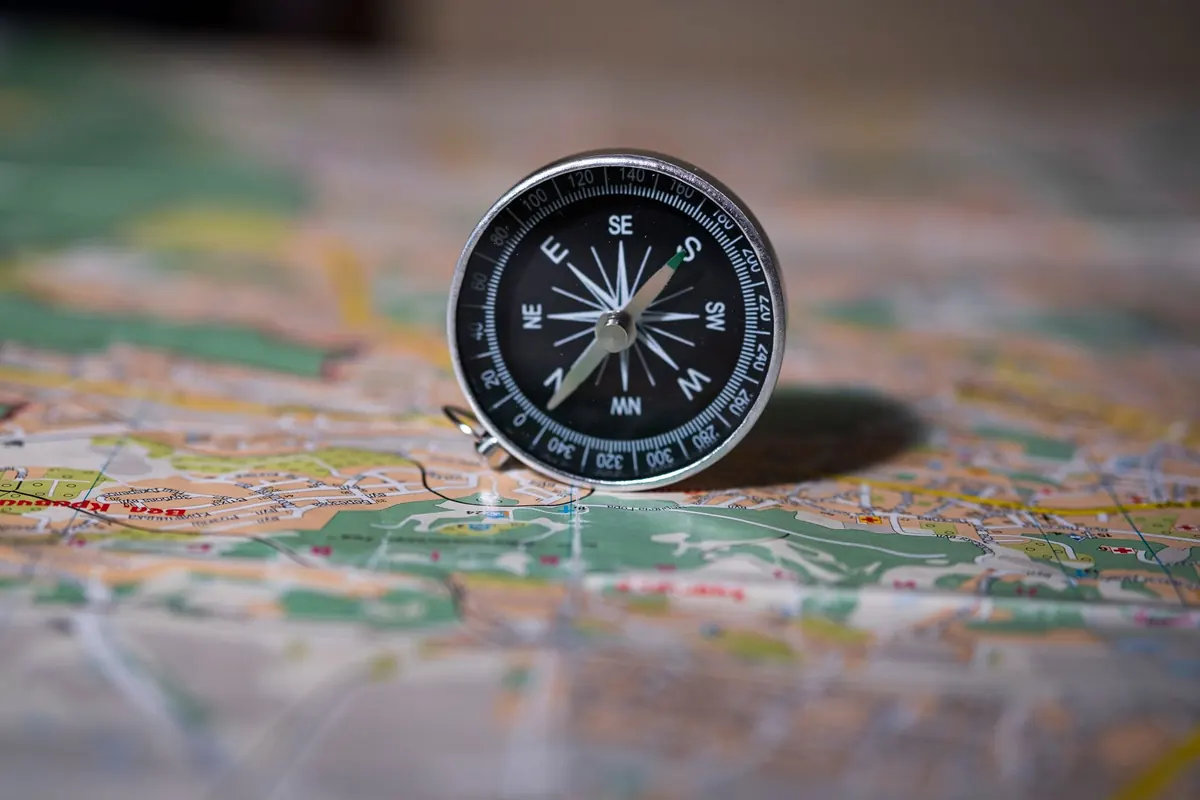
The cost is that a map never tells you where you are. You have to work that out. That means knowing what a kilometre looks like on the ground at your map's scale, reading contours well enough to recognise a re-entrant, and carrying a compass you know how to set against magnetic declination. These are learnable skills, and they are worth practising on a familiar hill before you need them on an unfamiliar one.
Before you fold it, do three things
- Check the edition date. Tracks get decommissioned, bridges wash out and new forestry roads appear; an old sheet is still useful, but treat it as a guide rather than a promise.
- Trace the planned route in pencil and mark the decision points, the bail-out paths and a turnaround time in the margin where you will actually see it.
- Write three or four checkpoints with grid references and estimated times on a small card, and keep it somewhere separate from the map.
Paper's weaknesses are real. It cannot confirm your position, it flaps in wind, and in thick fog on featureless ground it will not rescue you from a bad decision. It also covers a finite area, which matters when your detour takes you off the edge of the sheet.
Offline GPS Apps: Capable, but Conditional
The word "offline" hides a step that many people skip. The GPS receiver in a phone does work without a mobile signal, but the map data does not arrive by magic. You must download it at home, over wi-fi, before you leave.
The download mistake almost everyone makes
Most apps download tiles according to the zoom level you are viewing when you set the area. If you outline your region on an overview screen, you may end up with a usable general map and blank grey squares the moment you zoom in to see which of two paths leaves the col. Zoom in first, draw the area generously, and include the valley you would walk out through if the route failed — not just the corridor you intend to follow.
Then test it properly. At the trailhead, switch the phone to airplane mode and open the map. Pan around. Zoom in. Load the route. If anything needs a connection, you want to discover that while you can still do something about it.
Accuracy is another matter. In steep valleys, dense conifer and narrow gorges, the position can drift or lag. The line on the screen is a suggestion, not a fact. A straight line drawn between two waypoints may lead you over a crag that the app has no idea exists.
What apps do genuinely well: they place you precisely, they measure distance to the next waypoint, they record where you have been, and they turn a vague "we should be near the col" into a number. They also carry your camera, your emergency contact and your head torch, which is exactly the problem.
Battery Life: The Number That Decides Most Days
A phone navigating continuously, screen on, in the cold, is a matter of hours — not days. Cold reduces the usable capacity of the battery, so a phone showing forty percent in a warm car can shut down an hour into a cold ridge. A paper map, meanwhile, has no power state at all. This is not a small advantage; it is the one that usually matters.
- Run the phone in airplane mode or battery saver all day. It only needs the GPS chip.
- Set brightness manually low and shorten the screen timeout. Auto-brightness in bright light is a battery thief.
- Spot-check your position every twenty or thirty minutes rather than leaving a track recording, unless you specifically want the track.
- Keep the phone in an inside pocket, warm against your body, not strapped to the outside of the pack.
- Carry a power bank sized for at least two full charges, and the cable you have actually tested with that phone.
- Charge the bank the night before and confirm it still holds charge; aging banks quietly lose capacity.
For multi-day trips the arithmetic changes completely. If you cannot recharge, the phone becomes a tool for occasional confirmation — a check at a junction, a position fix in fog — while the map does the everyday work.
Building a Backup Plan That Isn't Just "I Have Both"
Carrying two things is not a plan. A backup only counts if it works without the thing that failed and if you know how to use it under pressure. Here is a sequence that holds up.
- Choose a primary tool deliberately. On a marked trail with good weather, the phone can lead. On anything exposed, remote or off-path, the map and compass lead and the phone confirms.
- Download and test the offline area at home, then check it in airplane mode before you start walking.
- Mark up the paper map with the route, the alternates, the escape routes and the time you turn around regardless of how close you are.
- Take a screenshot of the route on your phone and keep it in your camera roll. It reads at a glance, needs no map data, and survives a dead app.
- Pack the backup so it can survive. Map and compass in a waterproof bag, power bank charged, cable coiled loosely rather than pinched at a right angle.
- Leave a plan with someone — the route, the finish time, and the point at which they should start worrying.
- Agree the fallback before you need it. If both tools fail, decide which handrail feature you will follow — a stream, a fence line, a road — and do it early rather than at dusk.
A Simple Rule for the Next Trip
Take the paper map even when you are certain you will not open it. It weighs almost nothing, it never asks for a charge, and it keeps the whole landscape in front of you at once, which is precisely what a tired brain needs when the light is going.
Then give the phone the job it does best: confirming a position, checking distance, marking a waypoint in fog. Two tools, two roles, no competition. The trips that go wrong are rarely the ones where the technology let people down; they are the ones where nobody decided in advance which tool was in charge.
Photo: FunkyFocus / Pixabay